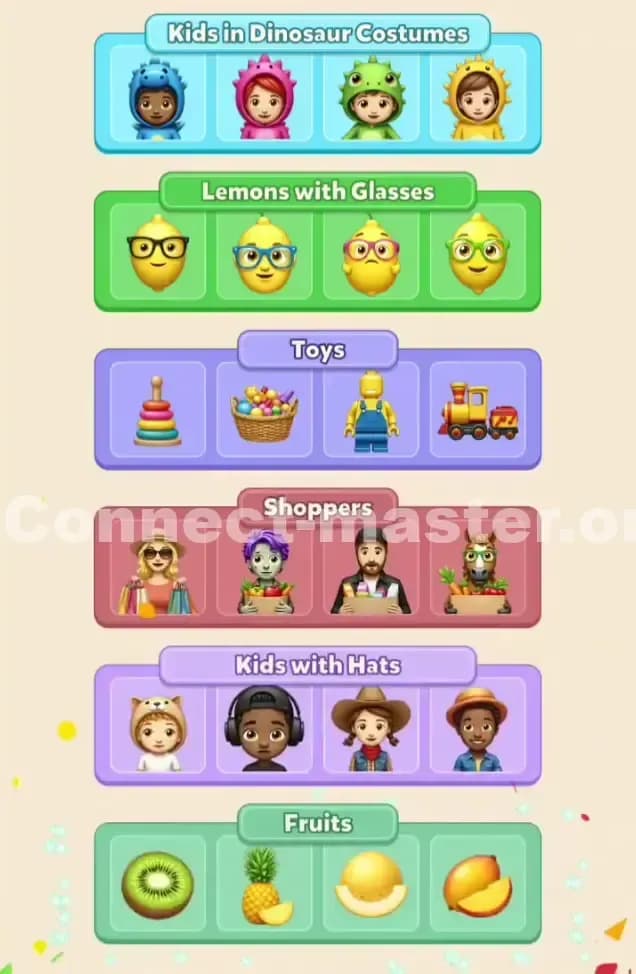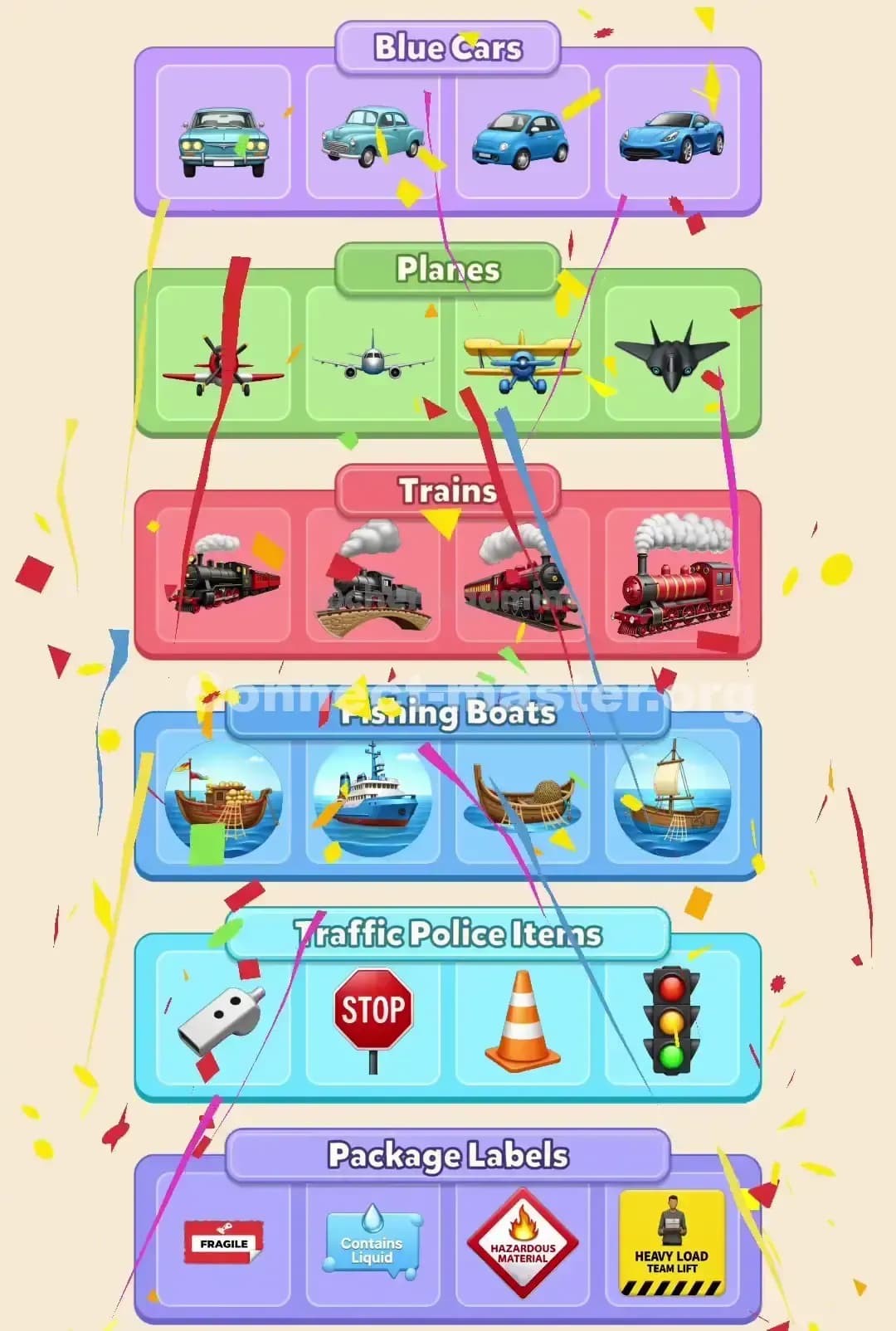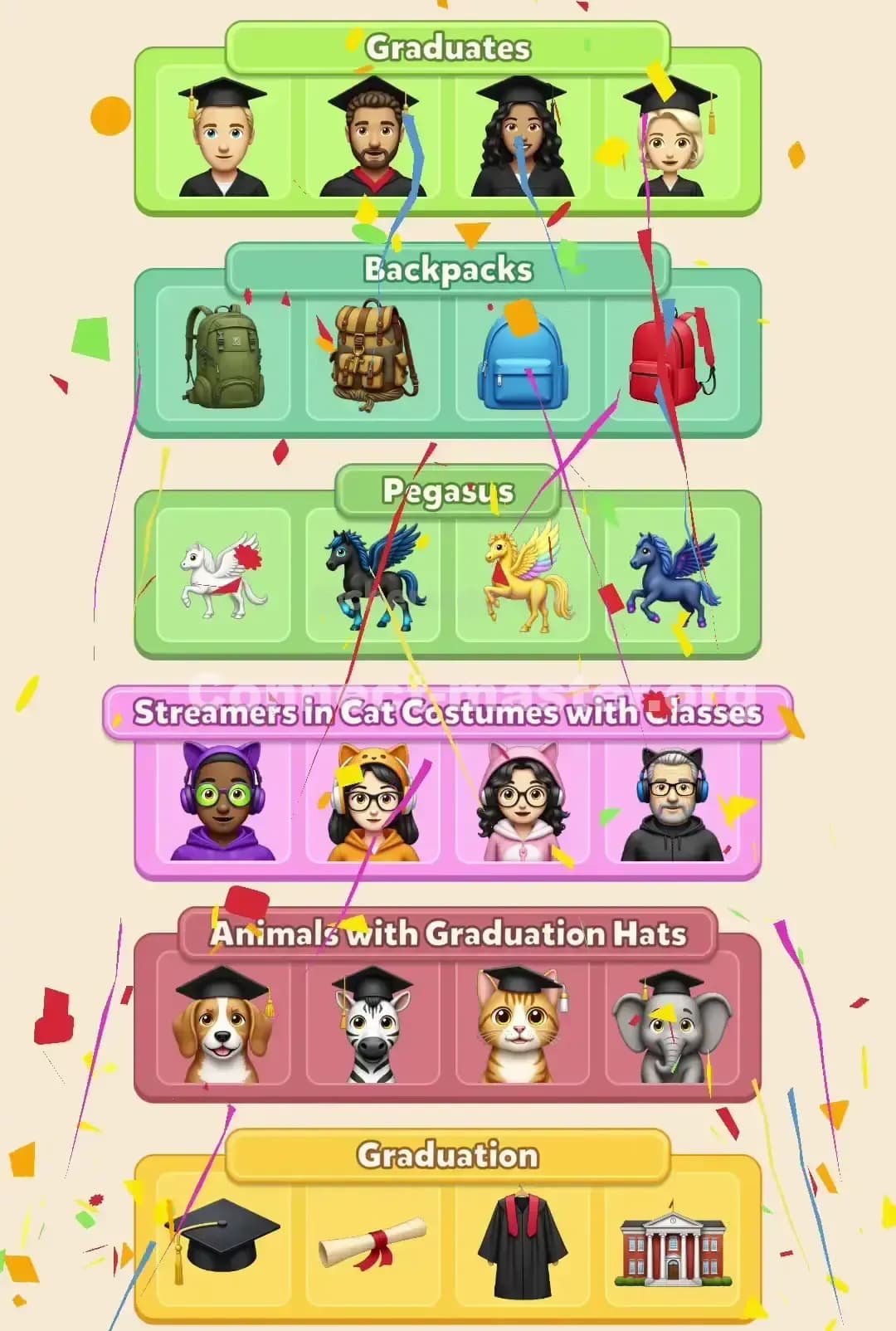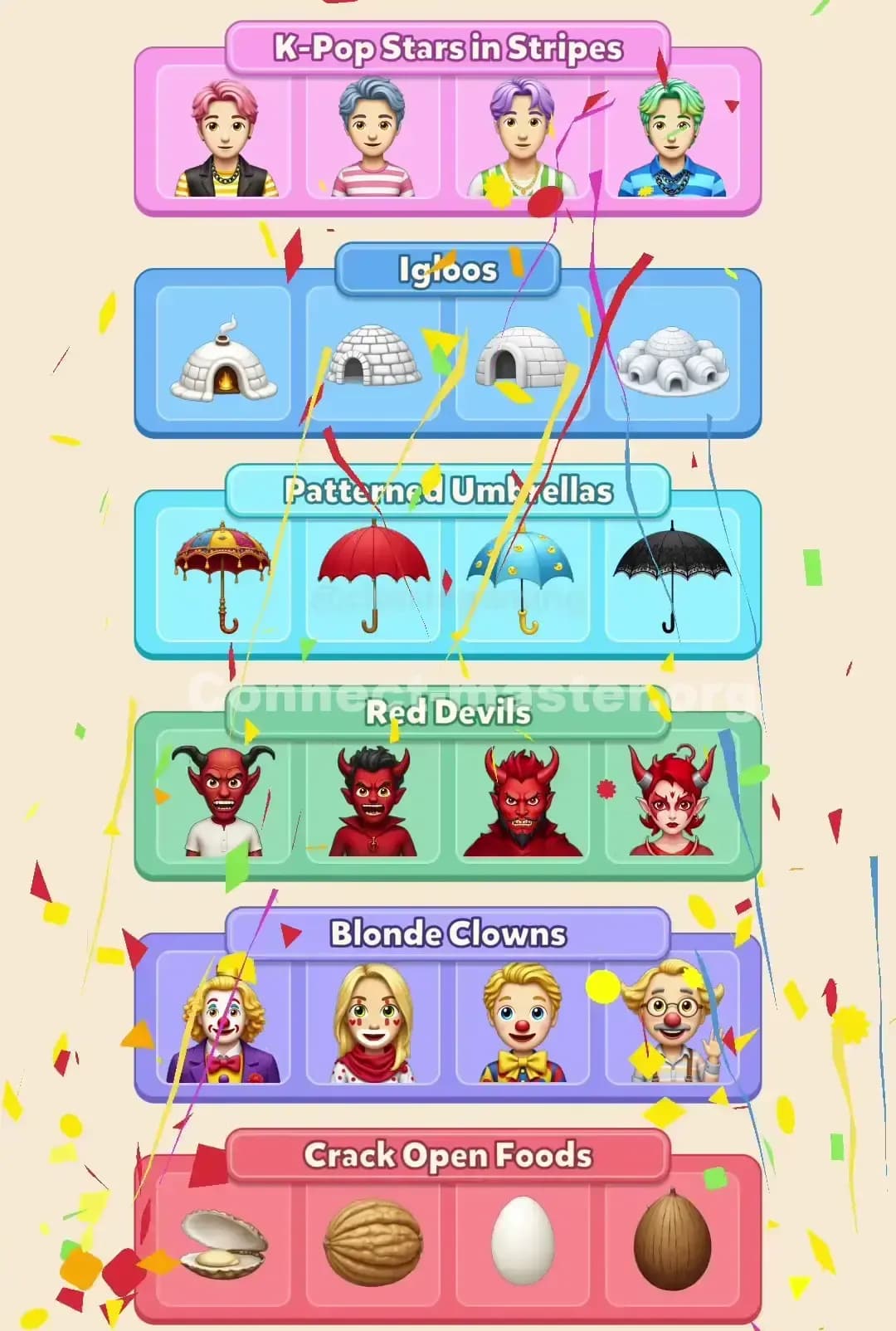
If you’re losing Connect Master levels because the timer runs out, you’re not “bad at the game.” You’re just playing the wrong kind of game.
Most players treat Connect Master like a simple “spot the similar tiles” puzzle. They peck around the board, grab whatever looks related, and hope it fits a category. Under a strict timer, that approach tanks fast.
Connect Master is actually a category-recognition speed test. The secret to beating levels fast isn’t faster fingers, it’s training your brain to see categories before you touch anything.
Once I started playing that way, my clear times dropped hard—and the only levels that still scare me are the ones where I ignore my own rules.
Let’s break those rules down.
Before we talk speed, you need to internalize how Connect Master thinks.
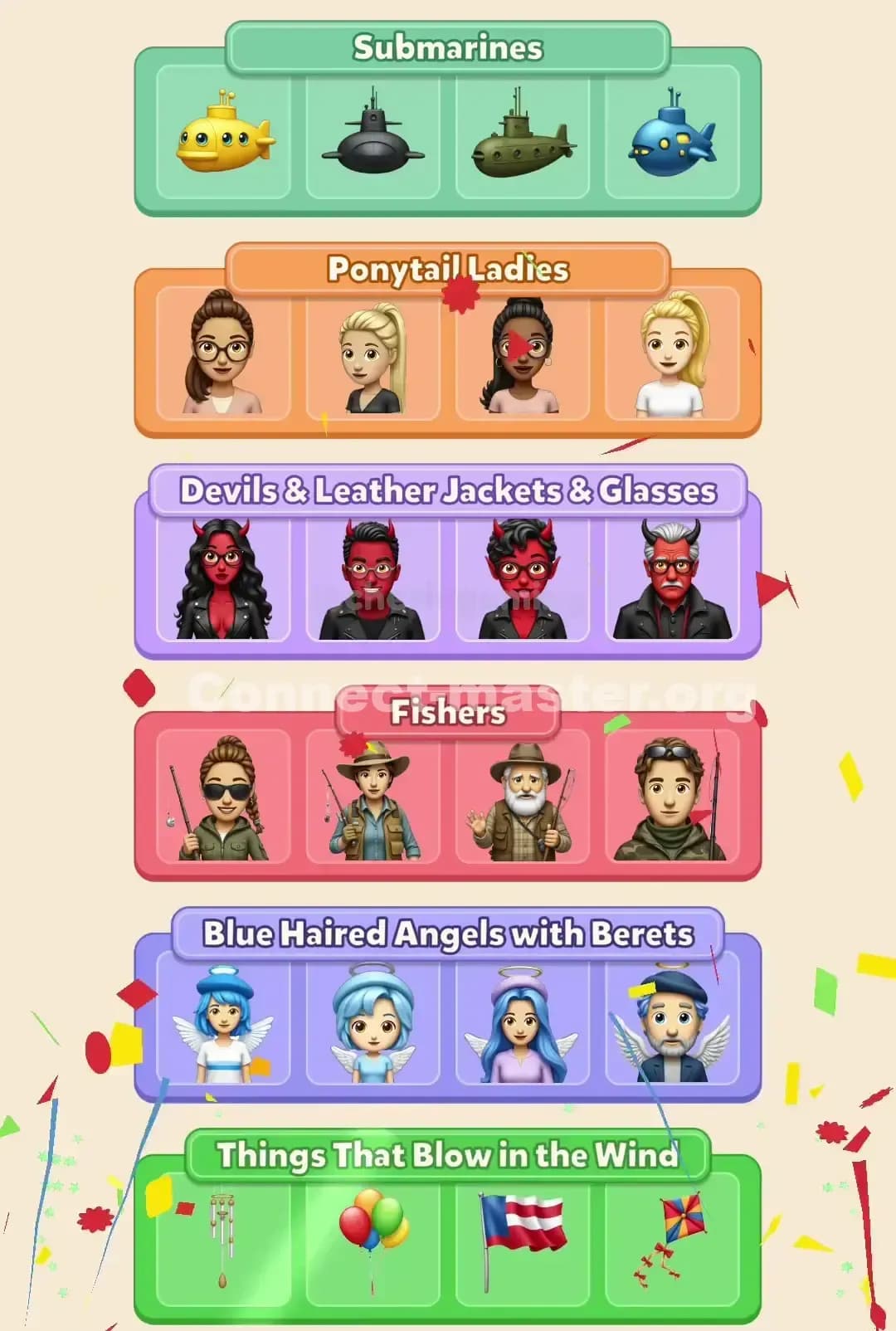
Levels are built around hidden categories of 4 tiles (we’ll call this the Rule of Four).
Categories are defined by themes, not just visuals:
The board is designed with red herrings: tiles that almost match a theme but secretly belong to another one.
If you’re tapping based on vibes alone—“these all look kinda scary” or “these all have wings”—you’ll constantly build half-right sets, stall, and lose to the timer.
Your real job in Connect Master:
Find the categories, then fill them. Not the other way around.
Everything I’m about to say sits on top of one core loop:
If you follow this, you stop wasting time bouncing between half-finished ideas.
Let’s zoom into each part.
The opening of a Connect Master level is where you win or lose the run. If you start tapping immediately, you’re already behind.
For the first few seconds, just look:
Let your eyes move in rows or columns—top to bottom, then bottom to top.
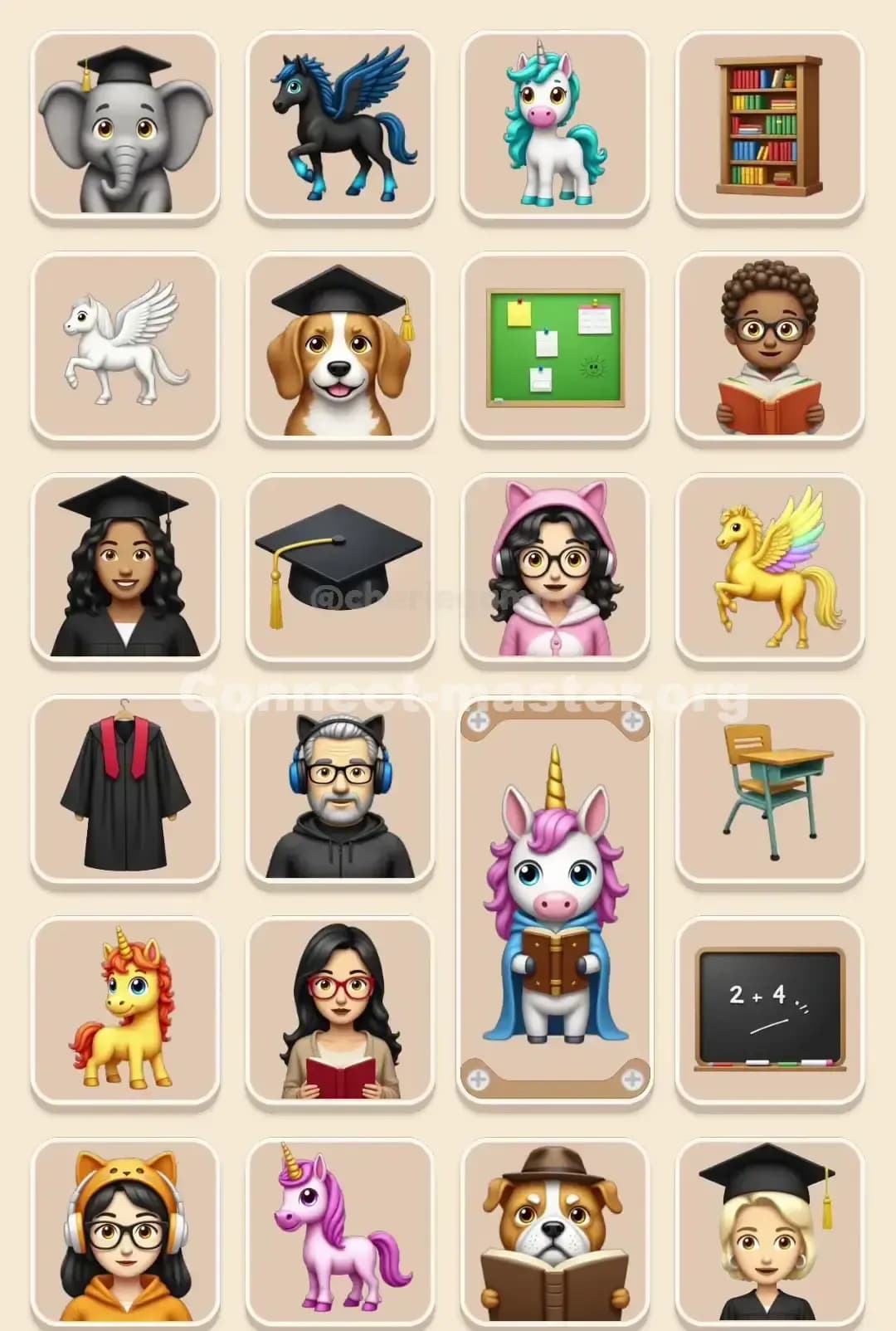
Don’t name individual tiles yet. You’re looking for repeated themes:
You’re trying to spot clusters, not matches.
Ask yourself: “What category is screaming at me?”
Good first categories:
Once you pick it—commit. You’re now in Lock mode for that category.
This is where most players choke on time—they half-commit to a theme, grab 1 or 2 tiles, then drift away when another shiny object appears.
Don’t do that. In Connect Master, half a category is wasted effort until you finish all four tiles.
Let’s say you’ve chosen “bone necklaces.”
The same logic works for:
You’re narrowing your brain’s filter. The smaller the filter, the less visual noise, the faster you play.
After 2–3 categories are cleared, the board gets messy. A few things happen:
The obvious themes are gone.
The remaining categories often rely on tiny details:
This is where most timeouts happen, because players go back to random tapping.
When the board looks like pure chaos, flip your thinking.
Instead of asking, “What do these four have in common?” Ask, “Which one of these similar tiles doesn’t belong?”
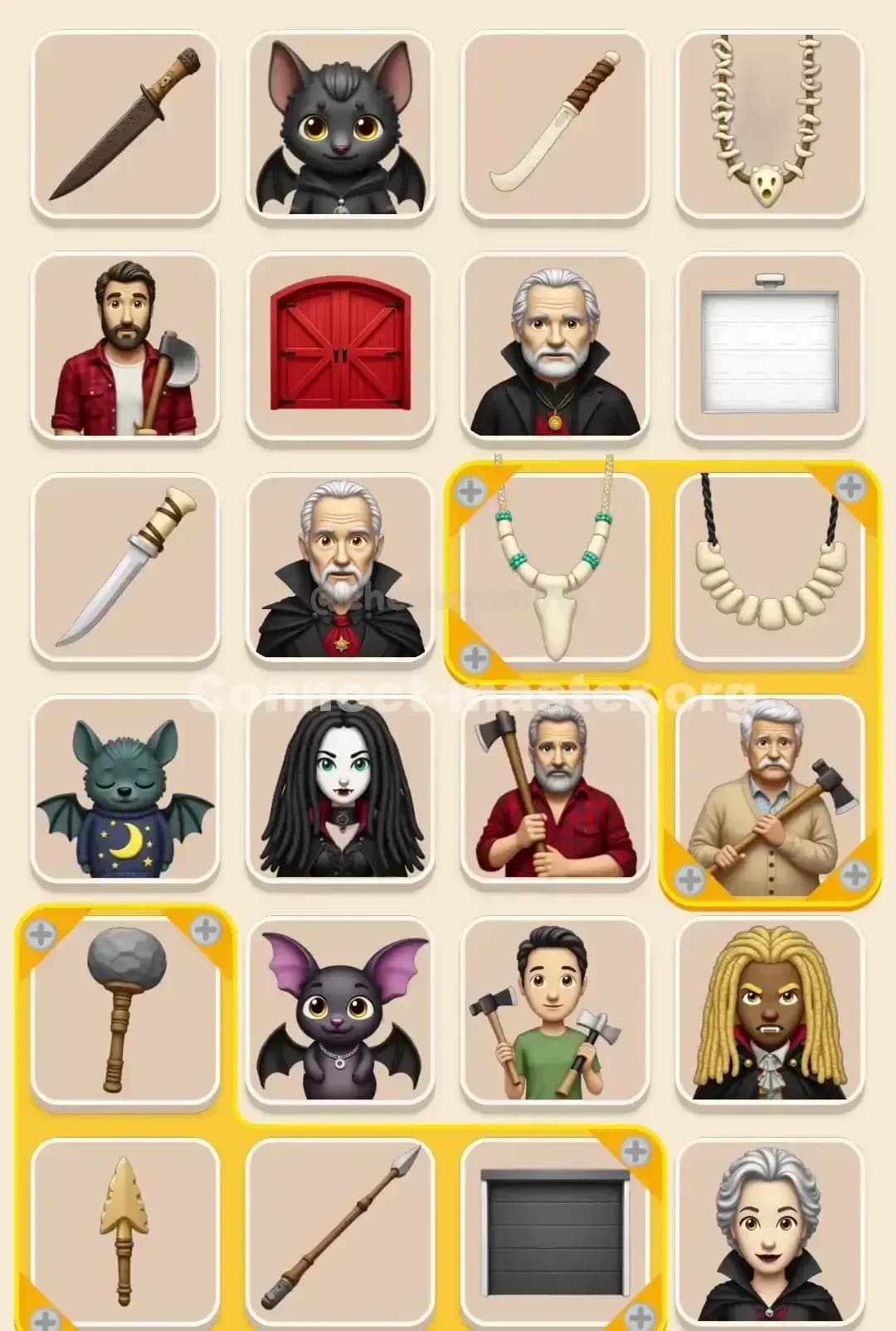
Example: you see five or six different necklaces.
The bead and metal ones probably belong to different categories. So mentally box the bone-style ones as your target “family of four” and ignore the others for now.
You can apply this to:
This saves an absurd amount of time because you stop over-thinking every tile.
If you hit the final dozen tiles with almost no time left, you’ll feel like the board is trolling you.
Here’s how to keep it under control.
Your instinct will be to spam taps. That’s how mistakes happen.
Take one second—literally one—and silently ask:
“What categories are clearly unfinished?”
Look at the category bars:
Now filter the remaining tiles with that lens only.
Hints are gold in the endgame:
If you’re regularly timing out with 2–3 sets missing, save hints for this moment.
Once your brain is working in categories, you’ll notice a new bottleneck: your fingers.
A few practical tweaks:
Use two thumbs, not one finger.
Tap confidently. Connect Master is forgiving; you don’t need frame-perfect precision.
Don’t wait for long animations. As soon as you see the category fill validate, your eyes should already be scanning for the next theme.
Also, avoid playing on a tiny screen if you can. Bigger tiles = fewer mis-taps = more time saved over a full session.
Hints aren’t just “get out of jail free” buttons—they’re information.
If a level has a weird theme that keeps beating you:
On the first attempt, play normally.
When you’re genuinely stuck on what connects a set, use a hint.
Study why the hinted tiles belong together:
Next time that pattern appears in Connect Master, you’ll spot it way earlier, and you’ll clear that level type insanely fast.
The beginning of the level is overflowing with obvious matches. If you need a hint that early, it’s not because the board is tough—it’s because you’re not scanning correctly.
Fix the fundamentals first; let hints handle genuine late-game ambiguity.
If you want to consistently beat levels before the timer even feels dangerous, turn all of this into a fixed routine.
Here’s a simple 6-step blueprint you can literally repeat every level:
Run this for a few sessions and you’ll feel it click. The game slows down mentally even while the timer’s still screaming at you.
If you’re tilting hard on specific boards, you can “drill” Connect Master like a tryhard.
Do pure visual drills. Play a level and don’t tap anything for 10–15 seconds; just list the categories you see out loud. Restart. You’re training your scan, not your score.
Focus on one family at a time. For a few levels, say “I’m going to destroy every vehicle-based theme today—blue cars, fishing boats, submarines, planes.” Your brain will get faster at any tile that looks vaguely like a vehicle.
Review your losses. After a bad timeout, quickly answer:
That tiny reflection loop is the difference between repeating the same failure 20 times and fixing it in 2–3 games.
Connect Master punishes tilt. When you’re angry or rushed:
Quick mental reset tricks that actually help:
The players who beat Connect Master levels fast aren’t magical. They’re just:
If you shift from “match things that look similar” to “identify and clear full categories in sequence,” the timer stops feeling like a brick wall and starts feeling like a high-score challenge.
You’ll miss some levels anyway—everyone does—but you’ll lose because the board was genuinely tricky, not because you wasted 20 seconds chasing the wrong theme.